
Booking System Attribution: Why the Numbers Differ
Meta, Google and your booking system count different events on different dates, and both platforms can claim the same new client. The booking system is the stricter number, so it should be the scoreboard, reconciled with the platforms every month, location by location.
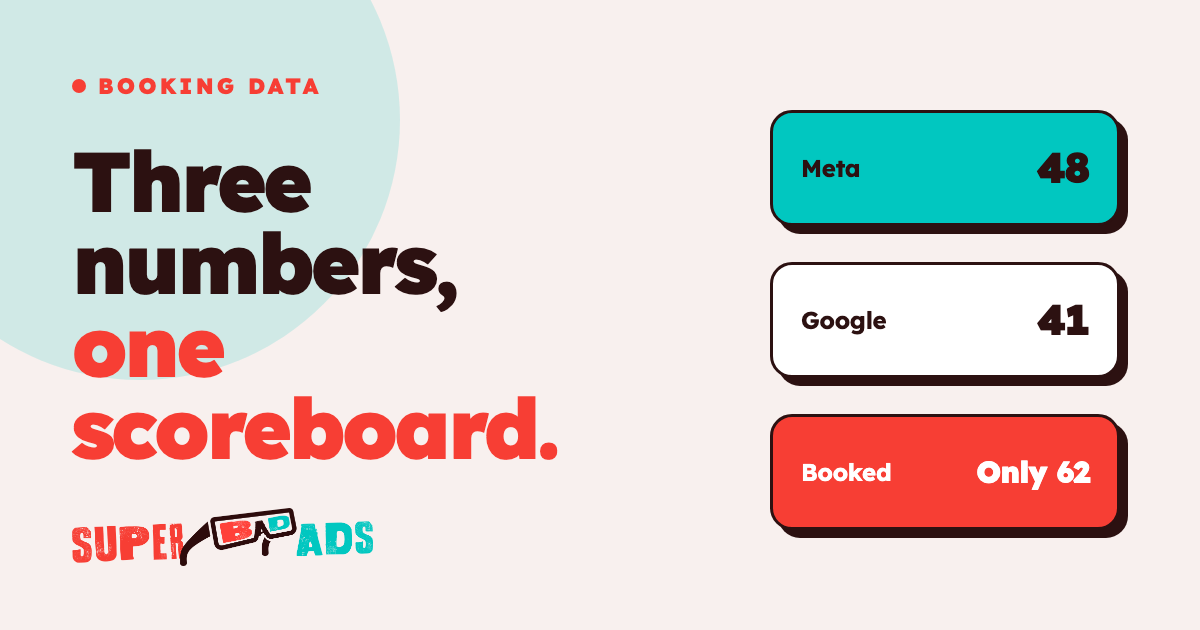
The short answer to why your booking system and ad platform disagree is that they aren't counting the same thing. Meta and Google each count conversions with their own attribution window and on their own date, both of them can claim the same new client, and both add modeled estimates where tracking is blocked. Your booking system, by contrast, records a first visit only when a real person books and arrives, according to the rules your front desk already follows.
When ad platform data doesn't match the front desk, the booking system is the stricter number and the one the business should be judged by. The platform numbers remain useful as steering signals for the daily management of campaigns, but the scoreboard for the owner, the CFO and the board should be new clients per location per week and cost per new client, taken from the booking system and reconciled with the platforms every month.
Why do Meta and Google report more bookings than the booking system?
The largest reason is overlapping credit across the customer journey. Consider a prospective member who clicks a Google search ad on Monday, sees an Instagram video on Tuesday and buys an intro offer on Wednesday. Meta counts that purchase because it happened inside its attribution window, and Google counts the same purchase because it happened inside its own window. Neither platform can see the other's claim, so the two totals added together will usually exceed the number of new clients your booking system recorded.
The second reason is view-through credit. Meta counts within the attribution window set on the ad account, and when a view window is switched on, it can count people who saw an ad without clicking it. A client who scrolled past a barbershop ad and later booked through your website may appear as a Meta conversion, while your booking system correctly records the same visit as a direct booking.
The third reason is modeling. Both platforms now estimate a share of the conversion data they can't observe directly, rather than counting only real user clicks and bookings; Google Ads Help explains that modeled conversions are included in the Conversions column as estimates. Those estimates are a reasonable guide for optimization, but they aren't verified people at your front desk. This is why Facebook ads conversions don't match the booking ledger in almost every account, and why comparing Google Ads vs Facebook ads on platform numbers alone can mislead a budget decision.
Why do the dates not line up?
Ad platforms and booking systems also attach each result to a different day. According to Google Ads Help, the primary conversion columns are "calculated based on the time of the click, not the time of the conversion." Your booking system, on the other hand, records the date the booking was made or the date the client visited, depending on the report you export, and Google Analytics may apply yet another set of attribution models to the same visits.
Suppose a prospect clicks an ad on October 29 and buys a Pilates intro pack on November 2. Google assigns that conversion to October, while your booking system records the new client in November. When the CFO asks for October's results, the two reports differ even though both are correct by their own rules.
The lookback period makes this gap larger than most operators expect. Google's default click-through conversion window is 30 days, as described in Google Ads Help, so a late decision can still add a conversion to an earlier month after you've closed it. That's one reason Google Ads conversions don't match a monthly report you exported on the first day of the following month.
Why does the booking system miss some ad-driven clients?
The gap also runs in the other direction, because tracking needs an unbroken path from the ad click to the booking confirmation, and that path often breaks in an appointment business:
- Phone and walk-in bookings: a prospect sees an ad, then calls the front desk or walks in. The ad created the demand, but neither platform receives the booking.
- Returning clients: a lapsed salon client books an intro offer with a new email address. The platform records a new customer, but the front desk recognizes the client and merges the profile in Zenoti or Mindbody, so the booking system correctly counts a returning client.
- Blocked tracking: according to Apple Developer, from iOS 14.5 apps need the user's permission through App Tracking Transparency to track them. Some browsers and ad blockers also remove the information that links a click to a later booking.
- Booking widgets on another domain: when the booking page lives on the booking system's own domain, UTM parameters and conversion events are often lost, so the platforms may never see the confirmation page load.
Each of these breaks is a normal feature of a busy front desk rather than a sign of broken conversion tracking. Our guide to what is marketing attribution explains why no single method will ever capture every path, which is exactly why the business needs one agreed scoreboard.
Which number should you report to the board?
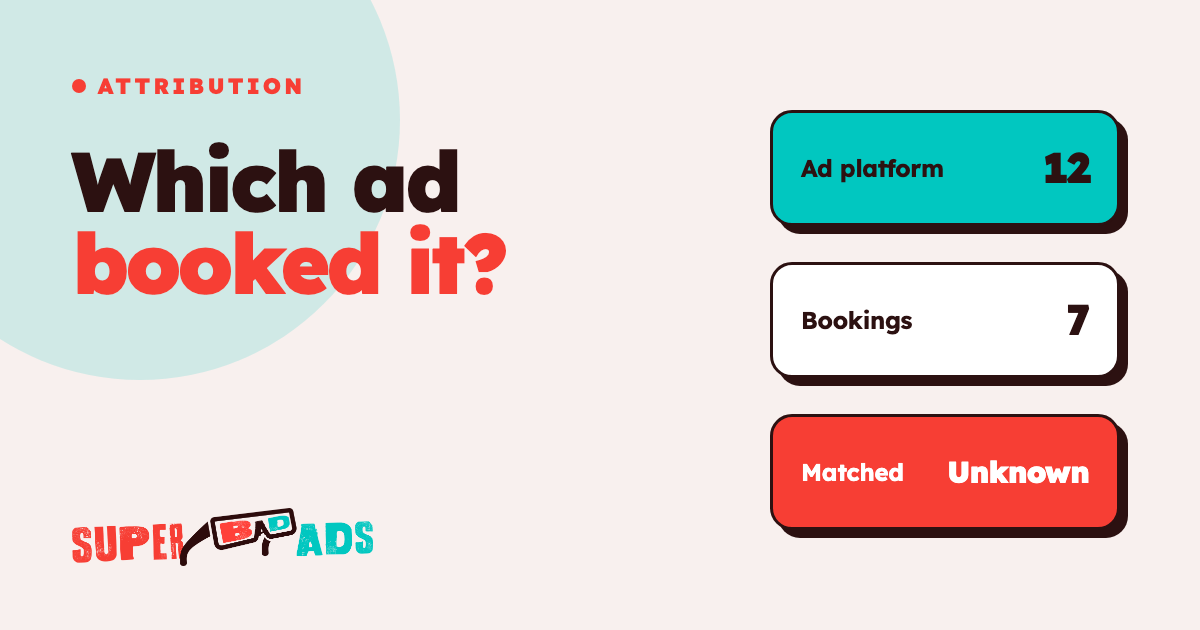
Report the booking system's number, because booking system attribution is the only view that ties ad spend to verified new clients. The board and the CFO need a figure that ties to revenue and to the front desk, and that figure is new clients per location per week, together with cost per new client calculated from total ad spend and booking-system new clients. That figure is stricter than the platform numbers, and that strictness is precisely what makes it defensible when someone asks whether the marketing is working.
Keep the platform numbers in their proper role. Meta and Google need their own conversion signals to decide which audiences, ads and searches deserve more budget, so the media buyers should continue to use them for daily optimization. They simply shouldn't be added together and presented as the result, because real-time campaign performance in a dashboard isn't the same as new clients at the front desk.
For the people who approve the budget, show incremental proof as well: flat-spend comparisons, quarter-over-quarter progress per location, and a clear explanation of what changed. As an example, an 8-location California fitness operator went from 0 of 8 to 8 of 8 locations with per-location attribution, and its cost per lead fell 25% by month 3.
How do you reconcile the numbers each month?
A short monthly reconciliation, completed per location, prevents most of the month-end debate. The following table summarizes what each source counts and how to use it.
| Source | What it counts | Date it uses | Use it for | |---|---|---|---| | Booking system | First visits and new clients under your front-desk rules | Booking or visit date | The scoreboard: new clients per location per week, cost per new client | | Meta Ads Manager | Conversions inside the account's attribution window, including views when that window is on, plus modeled estimates | Set by the reporting settings | Steering: which audiences and creative earn more budget | | Google Ads | Conversions inside the conversion window (30 days by default for clicks), plus modeled estimates | Click date | Steering: which searches and campaigns earn more budget | | Reconciliation sheet | The data discrepancies between the platforms' combined total and the booking system, per location | Calendar month, pulled a few days after month-end | Explaining the gap to the CFO and spotting broken tracking |
When you complete the sheet each month, follow the same five checks:
- Export new clients only: take the first-visit or new-client report from the booking system, excluding returning clients.
- Align the calendar month: use the same dates on every source, and wait a few days after month-end so click-dated conversions settle.
- Use one conversion action: filter each platform to the booking or purchase action, not page views or form opens.
- Record the gap per location: a stable gap is normal, while a sudden change at one location usually means a tracking or booking-page problem.
- Calculate cost per new client: divide each location's ad spend by its booking-system new clients.
Where to start
Super Bad Ads is a paid media agency for multi-location grooming, salon and fitness operators. We run Meta and Google for every location and report new clients per location every week from your booking system, stricter than the platform numbers. Our multi-location marketing agency services start from that scoreboard rather than from the platforms' own reports.
If you suspect your current reporting hides the real picture, an outside marketing audit of your accounts, tracking and booking setup is the practical first step. When a switch makes sense, it's done safely: the audit comes first, the work overlaps with the incumbent, and you own every account and pixel. A marketing audit sample shows what that review covers.
FAQ
Why do my booking system and ad platform disagree on new clients? The platforms count conversions inside their own attribution windows, date them by their own rules, add modeled estimates and can both claim the same client. Your booking system counts verified first visits under your front-desk rules, so it usually reports fewer new clients than the platforms combined.
How can an operator prevent double counting between Meta and Google? You can't stop each platform from claiming a client it influenced, because neither one sees the other's data. Instead, report the booking system as the scoreboard, use the platform numbers only for optimization, and record the gap between them every month for each location.
Why does Zenoti or Mindbody report fewer first-time visits than the platforms? The booking system removes returning clients who booked with a new email address, it doesn't count bookings that never arrived, and it records the visit date rather than the click date. Each of these rules lowers the count, and each one makes it more accurate.
How should we calculate cost per new client? Divide each location's total ad spend for the month by the new clients the booking system recorded at that location in the same month. That figure ties to the front desk and to revenue, so it's the number the CFO and the board can rely on.
If your platform reports and your booking system tell two different stories, a single scoreboard per location is the way to resolve them. To build that scoreboard with a team that reports from your booking system every week, Get Started.
Find out what your ad spend actually books.
We instrument the whole funnel — lead to booked to showed to revenue — and buy media against the number that matters. No calendar invites, no sales-call bait. Just the build.
Get Started →